Screenshot
Save a uniquely named PNG of the full display to disk.
Get 4 additional buttons with hollow
Hollow listens to the four areas around your laptop and turns intentional taps into actions: a screenshot, a launched app, a URL, or a keyboard shortcut. Local, deterministic, no cloud.
Open source under MIT licence
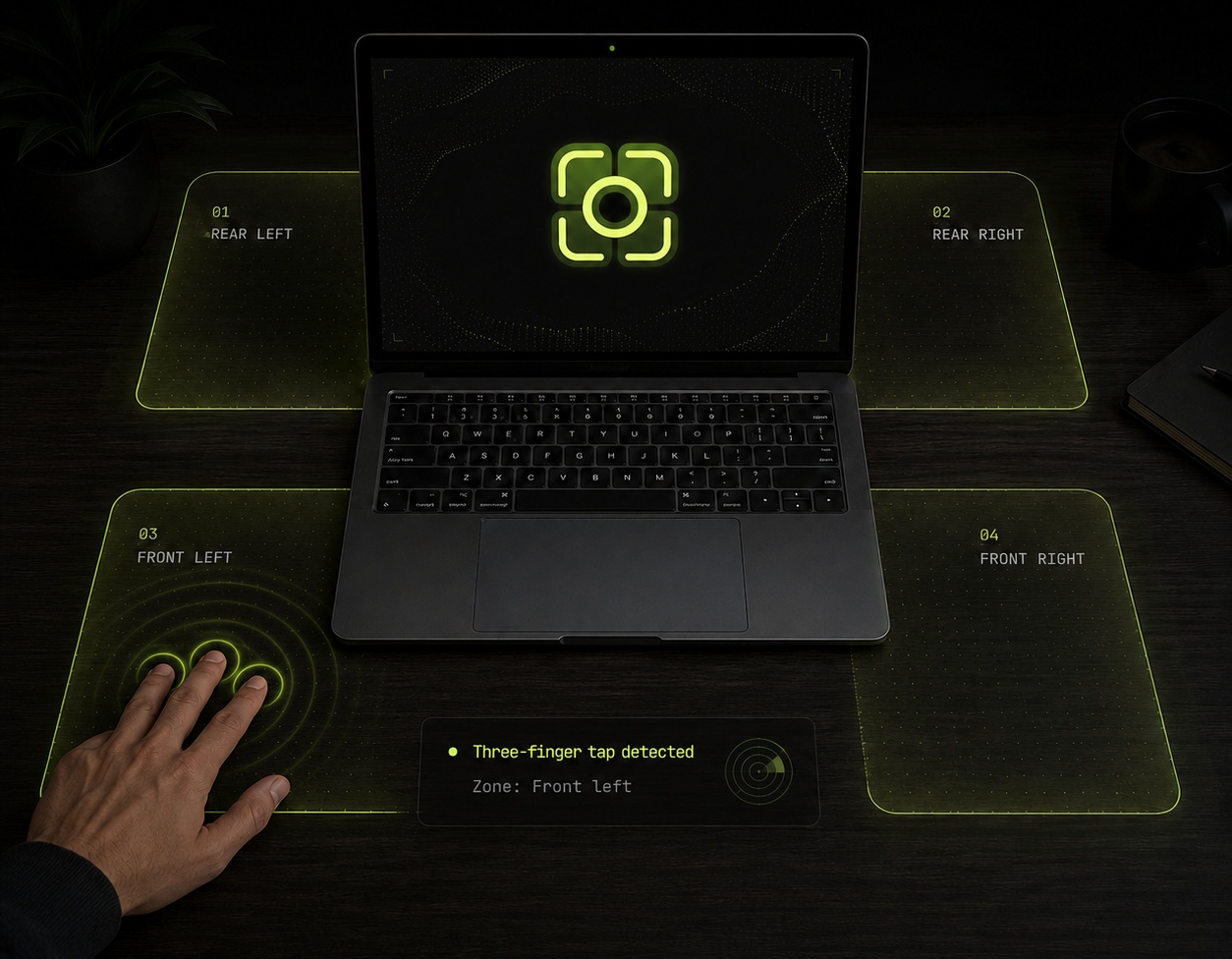
Tap each of the four zones so Hollow learns your specific laptop, desk and microphone.
Pick an action per zone from the system tray. Change them any time.
Hollow recognizes intentional taps and runs the assigned action instantly.
NOTE. Calibration belongs to a specific laptop position, microphone and desk surface. Moving the laptop or changing the surface may require recalibration.
Assign exactly one action per zone. Everything is configured locally through a small tray app. No wizard, no account, no telemetry.
Save a uniquely named PNG of the full display to disk.
Launch any HTTP/HTTPS address in the Windows default browser.
Start a selected Windows application or shortcut.
Trigger a configured key combination in the active app.
Hollow keeps only a short rolling audio window in memory while armed. Raw microphone audio, PCM data, WAV files and speech content are never written to disk during normal listening, calibration or diagnostics.
Inspect the detector, review the privacy model, build it yourself, report hardware results, or contribute improvements. No black boxes.
NO ACCOUNT · NO CLOUD · JUST YOUR LAPTOP, YOUR DESK AND FOUR USEFUL BUTTONS